
Attention IT Professionals!
Get a streamlined file management system in Windows with file tagging to enhance collaboration and productivity with the guarantee of a more organized workspace.This software is for IT Professionals and their customers who want to achieve a more efficient and productive work environment.
Are you struggling with these problems?
- Finding specific files in your cluttered Windows folders, causing frustration and wasting valuable time?
- Are you tired of manually sorting and categorizing files, which is time-consuming and prone to human error?
- Are you overwhelmed by the sheer volume of untagged and mislabelled files, making it nearly impossible to find what you need quickly?
Many IT professionals resort to manual file organization, using default search tools, relying on cloud storage, or even doing nothing at all. These alternatives often lead to misplaced or lost files, lack of advanced search capabilities, and decreased productivity.
Do you want to finally solve these problems?
We can show you everything that is really required to achieve a more organized and efficient workspace.
- With our product, you can increase your productivity by 30% by eliminating manual sorting and categorizing of files.
- You can decrease the volume of untagged files by 70% to make file retrieval faster and more efficient.
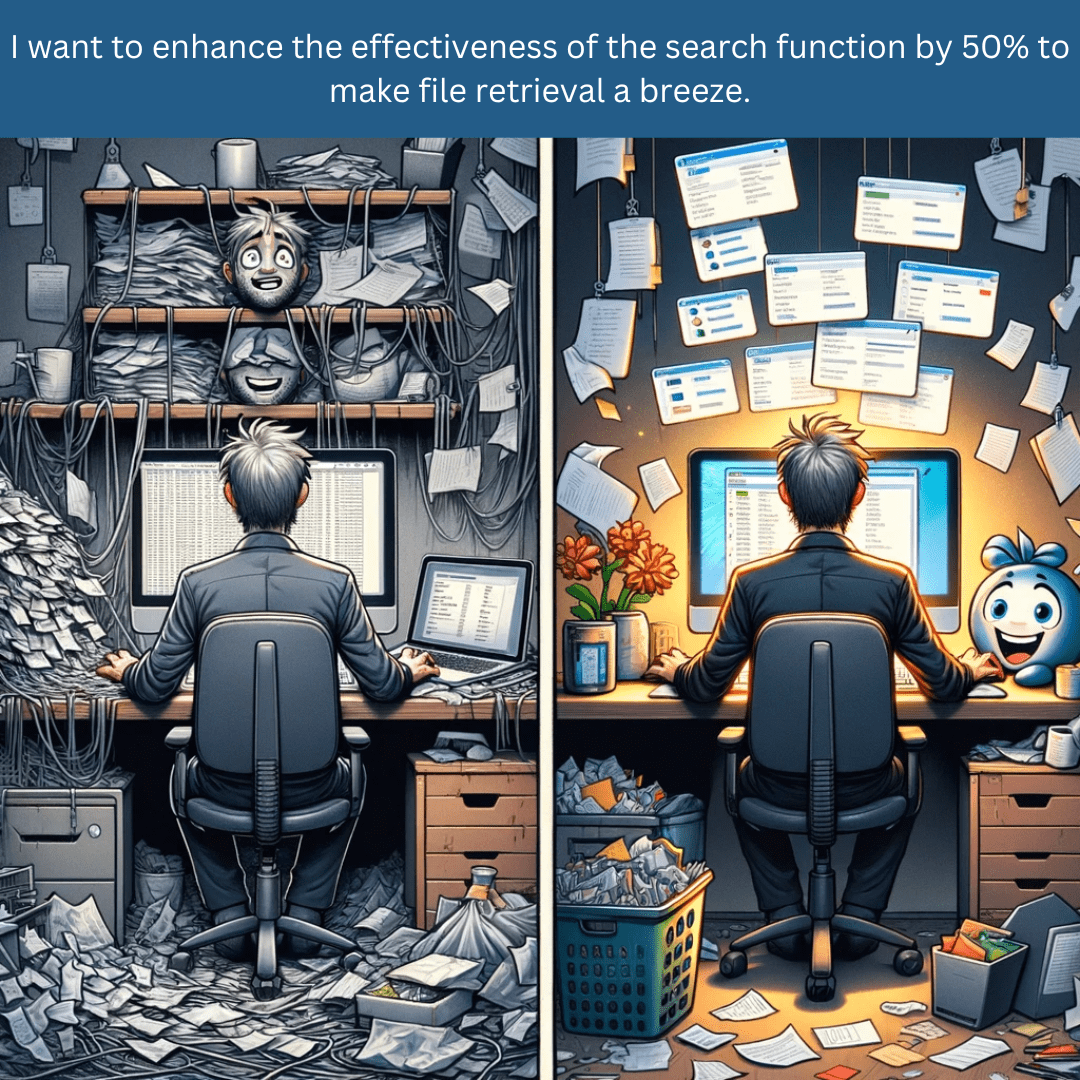
- You can enhance the effectiveness of the search function by 50% to make file retrieval a breeze.
- You can reduce the number of mislabelled files by 60% to make file organization more efficient and less time-consuming.
This is your unique opportunity to get a streamlined file management system in Windows with file tagging to enhance collaboration and productivity. You will get a tool that effortlessly organizes your vast number of files, maintaining a clean and efficient workspace. This system allows you to locate any file instantly, saving you time and boosting your productivity.
How this works:
- Download, install and enjoy tagging for Windows.
- Easily manage, find and organize your files on Windows with tags.
You will also get:
- Tagging as an added function in the windows file explorer.
- Smart View to enable finding files based on multiple topics.
- Search and Tag to bulk tag files.
- Shared Tagging to share tags via Cloud Services and LAN.
- Import tags from other sources.
What a customer says about us
"This system has significantly reduced the time I spend searching for files."
"Finally I have a system in place with which finding files is a matter of seconds in stead of waiting for search results."
"The logical structure of this system has boosted my productivity."
We asked our users: please tell us your use case.
They tell us that a generic tagging function in Windows File Explorer can be incredibly useful across a variety of tasks.
Here are the top 24 use cases:
Organizing Documentation:Tagging user manuals, policies, and procedures by topic or department for easy
access.
Project Management:Tagging files related to specific projects with the project name or number for
quick retrieval.
Software Development:Tagging code files, documentation, and resources by version or release.
Asset Management: Tagginghardware and software asset lists by type, location, or status.
Security Audits: Taggingfiles based on security clearance levels or audit status.
Incident Management:Tagging log files and incident reports by date, severity, or type of incident.
Compliance Tracking:Tagging files that are relevant to specific regulatory compliance requirements.
Backup and Recovery:Tagging files that require regular backups or are part of a disaster recovery
plan.
Network Management:Tagging network configuration files or diagrams by network segment or purpose.
User Administration:Tagging spreadsheets or databases containing user account information by the
type of user or department.
Budgeting and Procurement:Tagging purchase orders, invoices, and budget spreadsheets by fiscal year or
vendor.
Help Desk and Support:Tagging troubleshooting guides, FAQs, and user training materials by topic or
application.System Updates: Taggingfiles related to system patches, updates, and change logs by date or system.
License Management:Tagging software licenses and contract files by expiration date or vendor.
Policy Updates: Taggingpolicy update files or communications by year and department.
Training Programs: Taggingemployee training materials and schedules by department or skill set.
Performance Monitoring:Tagging system performance logs by server or database.
Risk Management: Taggingrisk assessments and mitigation plans by project or department.
Research and Development:Tagging research papers, patents, or experiment results by project or
technology.
Contract Management:Tagging contracts and agreements by type, party involved, or renewal date.
Server Configuration:Tagging server configuration scripts and setup guides by server type or
location.
Audit Trails: Taggingchange management documentation and logs by related systems or changes.
Virtualization: Taggingfiles related to virtual machine configurations or snapshots by host or
purpose.
Cloud Management: Taggingconfiguration files, deployment scripts, and cloud resource tags by cloud
provider or service.Improve productivity immediately, here's my offer:
What I found is that most IT Professionals want to use the software for themselves and/or for their customers to manage their files and find files easy via multiple structures, but they don't know how to implement it when they get it.
So I have included this free implementation session to help you to get the most out of it.
In the free implementation session we can address how to tackle the following topics:
- Using tag lists, structures and networks
- Share your tags (and files) on your LAN and and/or any Cloud Service
- Retrieve the right file(s) by combining tags in the Smart View

FAQs
We understand the objections that are typically coming up when considering purchasing a tagging system for windows file management. Here are some FAQs to address your concerns:
Is the cost of purchasing a tagging system for windows file management within my budget?
Is the tagging system compatible with our existing IT infrastructure?
Will I get help while using Tagging for Windows?
Will the implementation of the tagging system disrupt our workflow?

